
Ask Maps in the UK: what Google's AI reads about your business
Google Maps now answers questions in conversation, and it's reaching the UK. What Ask Maps draws on, how it picks businesses, and five things to check on your profile.

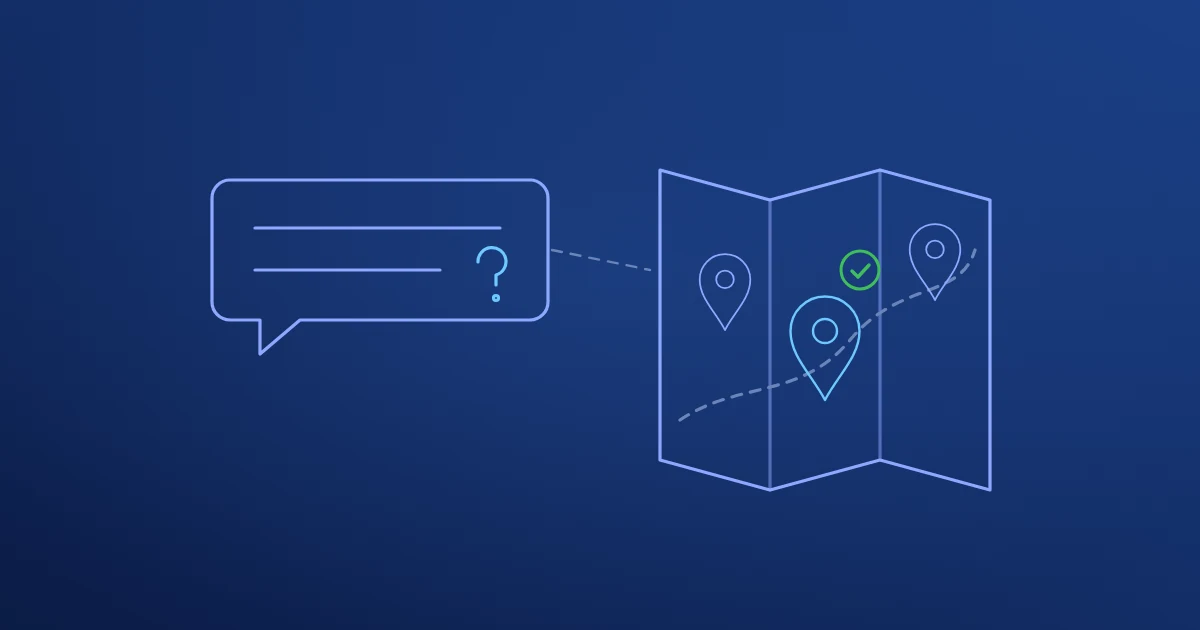
Google Maps has a new button under its search bar: Ask Maps. Instead of typing "plumber", your customers can ask "who can fix a leaking tap this afternoon, near Chelmsford station?" and get an answer in conversation, with a map of the businesses it suggests. On 16 November 2026, Google said Ask Maps was starting to reach the UK.
Here's what it is, what it reads about your business, and what to check so it describes you correctly.
Ask Maps answers questions instead of searching for words#
Google launched Ask Maps in the US and India in March 2026. Its 16 November post, Ask Maps is coming to Europe, opens: "Ask Maps is the biggest update to Google Maps in over a decade." It runs on Gemini, Google's AI model. Its own examples are the kind of questions a map couldn't answer before, such as "find me a public tennis court with lights for playing tonight".
On 16 November, Google's Maps product director wrote that "Ask Maps starts expanding to 30 countries across Europe — including Spain, Germany, and the U.K." "Starts expanding" means it may not be on every phone in the UK yet. It's in the Google Maps app on Android and iPhone, and Google documents a computer version too, though it hasn't said whether that's live in the UK. Google's help page says to tap Ask Maps under the search bar, type or speak a question, and carry on with follow-up questions. If you can't see the button, update the app and look again in a few days.
See what it reads about your business#
Google's Europe post says Ask Maps draws on "information about over 300 million places, including reviews from more than 500 million contributors". Google's help page says its answers come with "helpful links to the web". In practice, that means three things about you:
- Your Google Business Profile. Your name, category, opening hours, services and photos are what Maps knows about your business. If your hours are wrong, an answer about who's open now will be wrong too.
- Your reviews. Google describes Ask Maps giving "insider tips from real people", powered by Maps' community of contributors: the people who write reviews and add photos. A review that says "fixed our boiler the same day, and explained the bill" gives it far more to work with than five stars and "great".
- Your website. An answer can link to the web, so the page you link from your profile should say plainly what you do, where and when.
You can't write or edit what Ask Maps says about you. You can only make sure what it reads is right and full.
Know how it chooses which businesses to show#
This part hasn't changed. Google's help page says local results in Ask Maps are ranked "primarily" on relevance, distance and prominence, the same three things that decide the ordinary map. Relevance is how well your profile matches the question. Distance is how far you are from the person asking. Prominence is how well known you are, which is where reviews come in. How to show up when someone searches "near me" explains each one.
Two more lines from Google's help page matter to a business owner:
- "Payment from other companies doesn't influence results in Ask Maps. Paid content in Google Maps is labelled." For now, nobody can pay to change who Ask Maps suggests, and Google hasn't said whether it will add ads later. Ads elsewhere in Google Maps are bought through Google Ads and labelled, so be wary of anyone promising a paid place in Ask Maps' own answers.
- Results are combined "with your personal account activity and preferences". If someone has Google's personalised recommendations turned on, two people asking the same question can see different businesses, depending on what each has searched for and saved before.
Ask Maps can only repeat what it reads. Wrong hours, an empty services list or thin reviews become a wrong or thin answer.
Check what's US-only for now#
Some of what you may read about Ask Maps doesn't apply in the UK yet. On 16 November, Google added a feature where Ask Maps finds "beauty, pet care, auto and home repair appointments online and call[s] local businesses for you". Google says appointment-finding is "launching first in the U.S., with more regions coming soon". For now, Ask Maps won't be ringing UK businesses to book on a customer's behalf.
Table bookings are different. Since April 2026, Google's AI Mode in Search has been able to book restaurants in the UK It finds free tables and links people through to finish the booking with partners Google names, including TheFork, SevenRooms, ResDiary, Mozrest, Foodhub, Dojo, DesignMyNight and OpenTable. If you run a restaurant or café, taking bookings through one of these is how Google's AI Mode can send you a table.
Do these five checks on your Business Profile#
Google's own advice on improving your local ranking starts with filling in your profile as fully as you can. For Ask Maps, these are the parts that matter most:
- Opening hours, with special hours. Ask Maps answers "open now" questions. Add Christmas and New Year hours now, before people start asking.
- The most specific category that's true, plus your services. List the jobs you actually do, in the words customers use: "boiler servicing", not just "plumber".
- Every detail Google offers you. Fill in the description, products, photos and the extra details your category is asked about, such as accessibility, parking or ways to pay. Each one is something a question can match.
- Reviews, and replies. Ask customers for reviews as a matter of routine, and reply to each, as Google's ranking advice suggests. Don't offer anything in return for a review.
- The website you link to. Make sure it says what you do, which towns you cover, your hours and, where you can, your prices.
Ask it about yourself, the way a customer would#
When the button reaches your phone, ask Ask Maps the questions your customers ask. Don't search your business name: ask "who can service a boiler in Brentwood this week?" or "a quiet café near the station with space for a pushchair". Then check:
- whether you're suggested at all;
- whether what it says about you is right, such as your hours and what you offer;
- which businesses it suggests instead, and what their profiles have that yours doesn't.
Because answers are personal, ask a friend or two to try the same questions on their phones. If an answer about your business is wrong, tap the thumbs-down under it and say what's wrong. Google's help page says AI answers "can sometimes be incorrect" and asks for that feedback. Then fix the source, which is usually your profile.
Run these checks before Christmas#
- Look for the Ask Maps button under the search bar in Google Maps, and update the app if it isn't there.
- Add special opening hours for Christmas and New Year to your Business Profile.
- Check your category and services list uses the words customers use.
- Fill in every detail Google asks you about your business.
- Ask recent customers for a review, and reply to the ones you have.
- Ask Ask Maps three questions a customer would ask, and note who it suggests.
- Be wary of anyone promising a paid place in Ask Maps' answers.
You can do all of this yourself. If you'd rather keep an eye on it each week, SaneChoice SEO checks where your business shows on Google's map from 25 points around you. It also puts your customers' questions to Google's AI Mode, ChatGPT, Gemini and Perplexity, and shows who they name. Plans start at $28 a month.